Stack Overflow Monitor
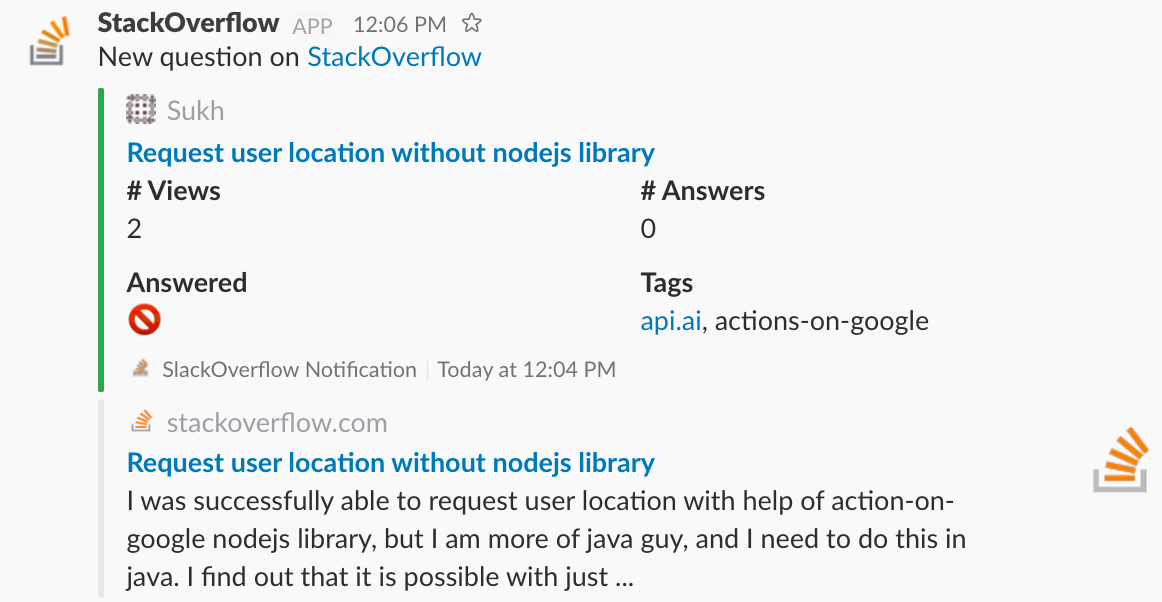
Monitor Stack Overflow questions and post them in a Slack channel.
Pre-requisites
- AWS account with AWS-CLI configured
- FaunaDB account
- Serverless framework installed
- Slack team with incoming webhook
Tutorial
Complete tutorial could be found here
How to use it
in serverless.yml change the environment variables to your own values.
FAUNADB_SECRET to FaunaDB secret.
STACK_EXCHANGE_KEY to API key to access Stack Exchange API
SLACK_WEBHOOK_URL is the URL of the Slack incoming webhook you’ve created
SLACK_CHANNEL should be an existing channel name in your Slack team (#support, #stackoverflow,…)
SEARCH_KEYWORD is the keyword you are interested to monitor (nodejs, angular2,…)
test locally
serverless invoke local — function getStackOverflowQuestions
deploy
serveless deploy
Contribute
This project is open source, and we welcome anybody who wants to participate and contribute!
License
The MIT License (MIT)